Windows beta - V2
IRON KDP V2
A dark, modern and connected writing studio that turns a long manuscript into an organized, saved and export-ready Amazon KDP project.
CloudLibrary, covers and backups
KDPDOCX, PDF, Kindle and pre-export checks
AIMistral/Claude, consistency and layout
New interface
An experience that finally feels like a real authoring app.
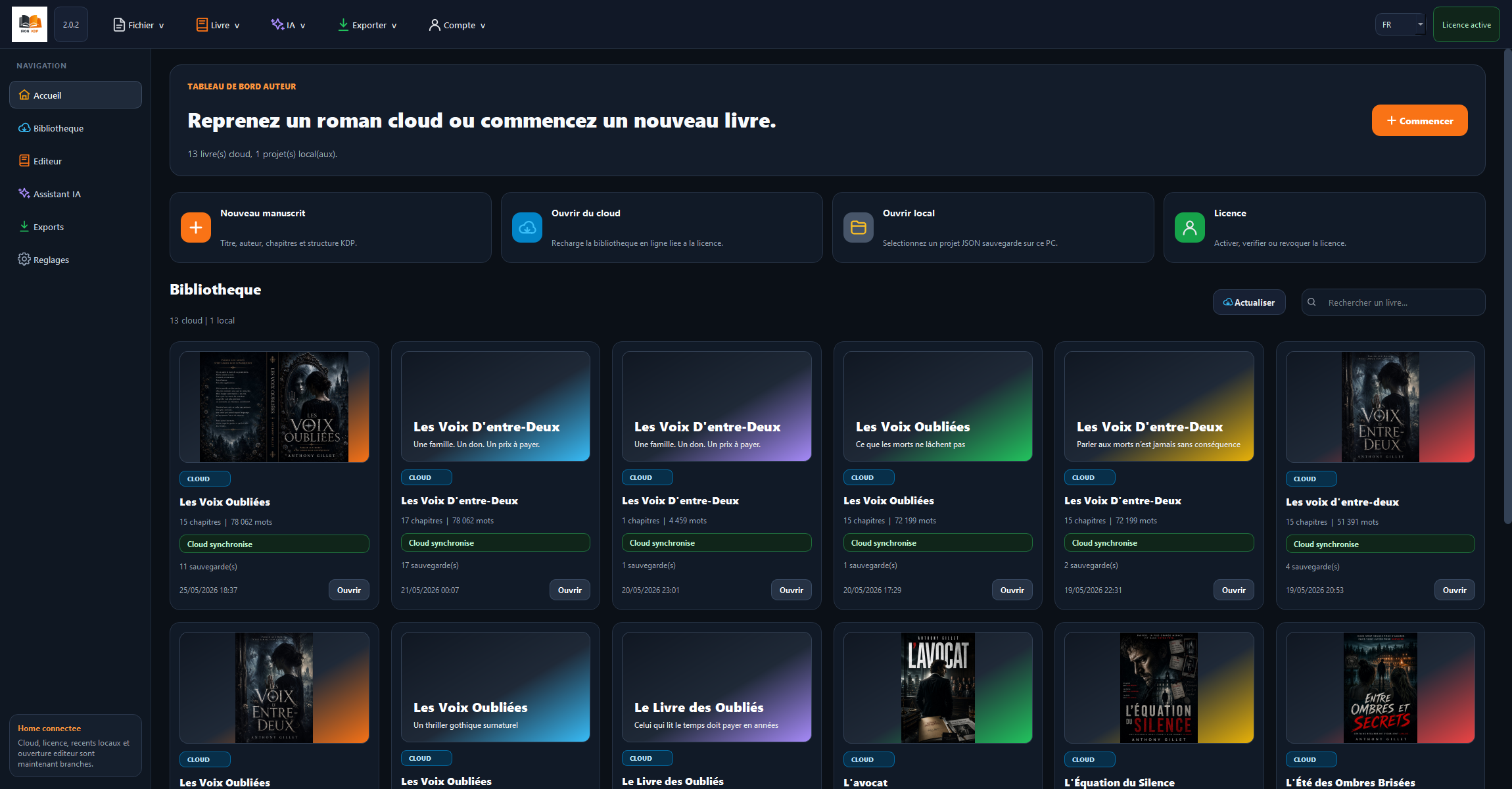
V2 introduces a modern Qt interface: responsive home screen, clear menus, visual cloud library, dark editor and live book preview.
Manuscript studio
Write, structure and keep control of the whole book.
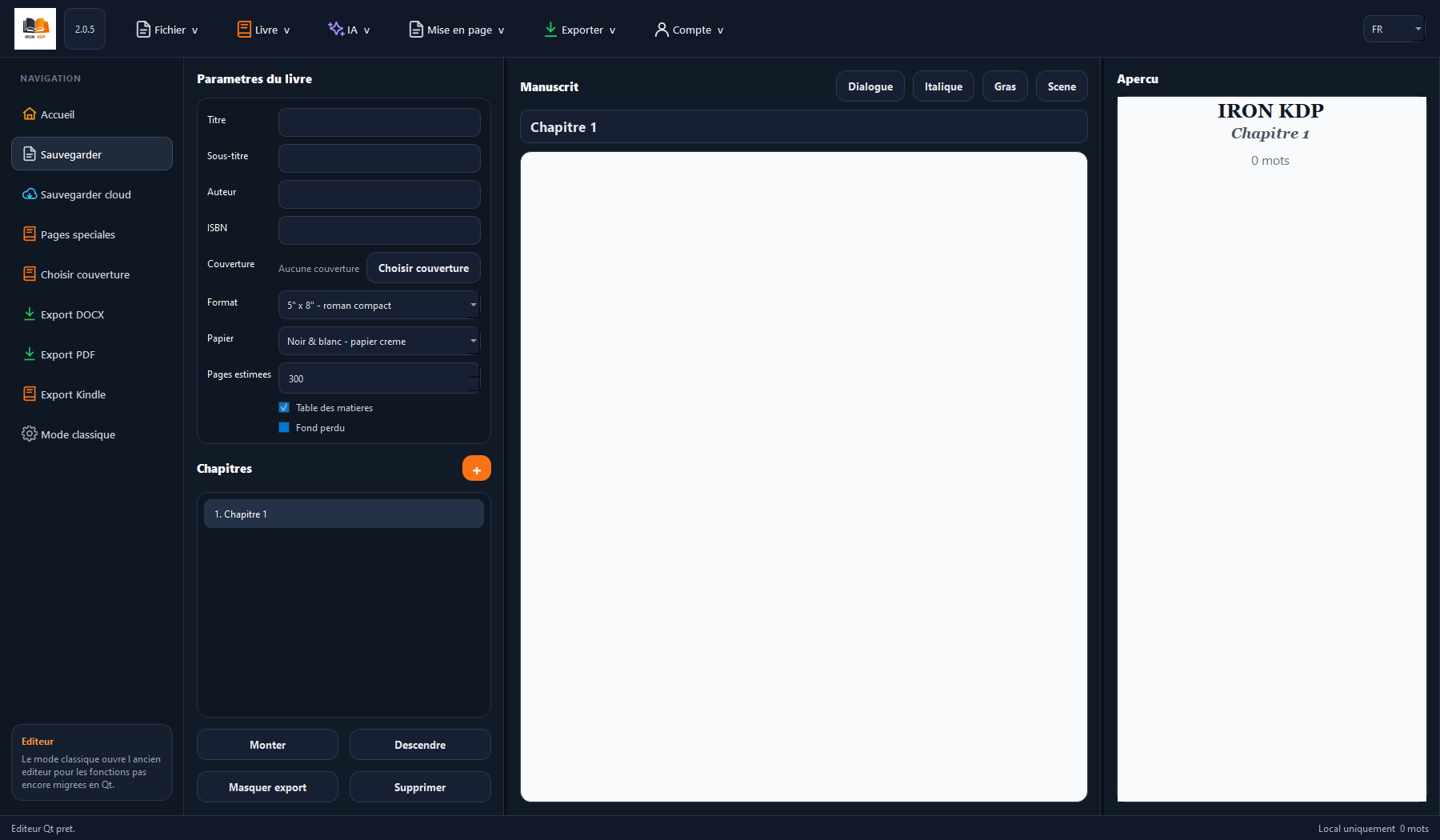
The editor brings together book settings, chapter list, manuscript, preview, cover, special pages and exports in a dense but readable workspace.
Core features
Everything that slows down publishing is gathered in one place.
Cloud library
Each cloud book has a unique ID, cover, saves and manageable backups.
Print KDP export
DOCX with margins, odd-page chapters, table of contents, pagination and Word checks.
Kindle export
Reflowable EPUB generation for Kindle, with reminders about ebook-specific limits.
Serious AI mode
Chapter-by-chapter generation, continuity memory, API-limit resume and rereading.
Book bible
Summary, characters, timeline, inconsistencies, established facts and editorial dossier.
Updates
Automatic updates, version history, FR/EN interface and download signature checks.
Publishing goal
Prepare a clean file before uploading to Amazon KDP.
Trim sizes5x8, 6x9, A5 and common novel formats.
MarginsStronger gutter margins for large books and less fragile layout.
PaginationPages counted from the start, page numbers displayed from chapter one.
ChaptersOdd-page starts with a real blank page when needed.
AI assistant
Your AI helps the book without replacing the author.
IRON KDP can use your Mistral or Claude API key to analyze, reread, propose Markdown layout, generate chapter by chapter or build a novel bible.
Serious modeOne chapter at a time, with sliding summaries and saved continuity memory.
RereadingChapter-by-chapter suggestions, with approval before changes.
Book analysisBack-cover blurb, characters, timeline, inconsistencies and correction paths.
Beta test
Get a trial key and test IRON KDP V2 with a real project.
The beta is here to validate long novels, KDP exports, cloud saves, covers and AI features. The temporary key is sent by email.
- Windows installation
- Email activation
- Cloud library included
- User feedback welcome
Official download
Install the current Windows version.
The link points to the file published on the IRON KDP server. The app then checks updates and file signatures.
After beta
A simple plan designed to stay profitable.
The commercial version is planned as a fixed-price license. AI calls use your own API keys to avoid a high software subscription.
IRON KDP license
€29.99
Windows app, KDP exports, cloud, updates and email activation.
Buy the licenseQuick questions
What to know before testing.
Is it compatible with Amazon KDP?
IRON KDP prepares files for no-bleed books with suitable formats, margins, table of contents and pagination. A final check inside KDP Previewer remains essential before publishing.
Is AI included in the price?
The AI features are built into the app, but Mistral or Claude calls use your own API key to keep the software price low.
How long does the beta key last?
The duration is configured on the server. By default, a beta key lasts 30 days and activates one computer.